Lay out the idea
Create frames, arrange shapes and text, and use alignment and auto layout to turn a rough screen into a structured interface.
 ProWebDevSolutionsDesign & development
Interface design on a native canvas
From the first frame to a reusable system.
Source preview

Editor development preview with a sample frame and shape.
View full image (opens in a new tab)Lay out interface screens with text, vectors and layers, then build reusable components as the design takes shape. Keep an editable canvas document and export the views you need.
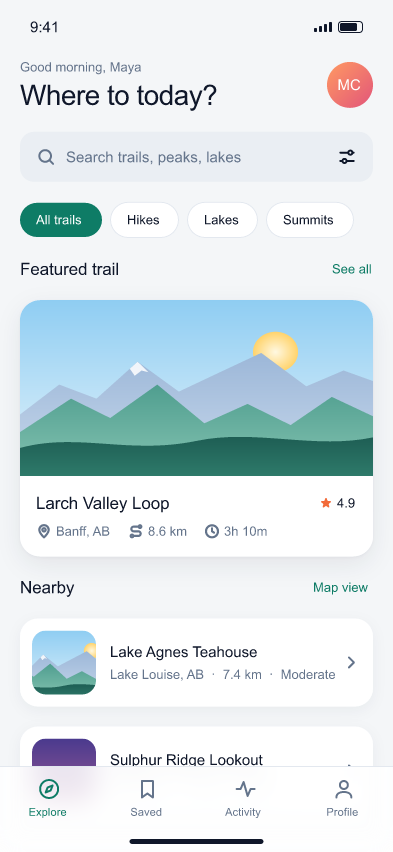
Ridgeline sample design, rendered by FigStrike.
View design (opens in a new tab)Early-alpha source build with no public installer or release. Native editing and export have been exercised on bounded synthetic documents.

Lay out multi-page documents with text and artwork, then export publications to PDF or exchange IDML files.

Draw paths, shapes and type in layers, save editable vector documents, and export SVG artwork.

Edit raster images in layers, keep an editable master document, and export PNG artwork.