Gather the material
Organize source footage in the media pool and review it in the source viewer before deciding what belongs in the cut.
 ProWebDevSolutionsDesign & development
Video editing
Your footage, taking shape on a timeline.
ClipStrike is a desktop workspace for turning source footage into an editable cut. Bring media into the project, review clips, and arrange video and audio across tracks while keeping the source material separate from the edit.
Source preview
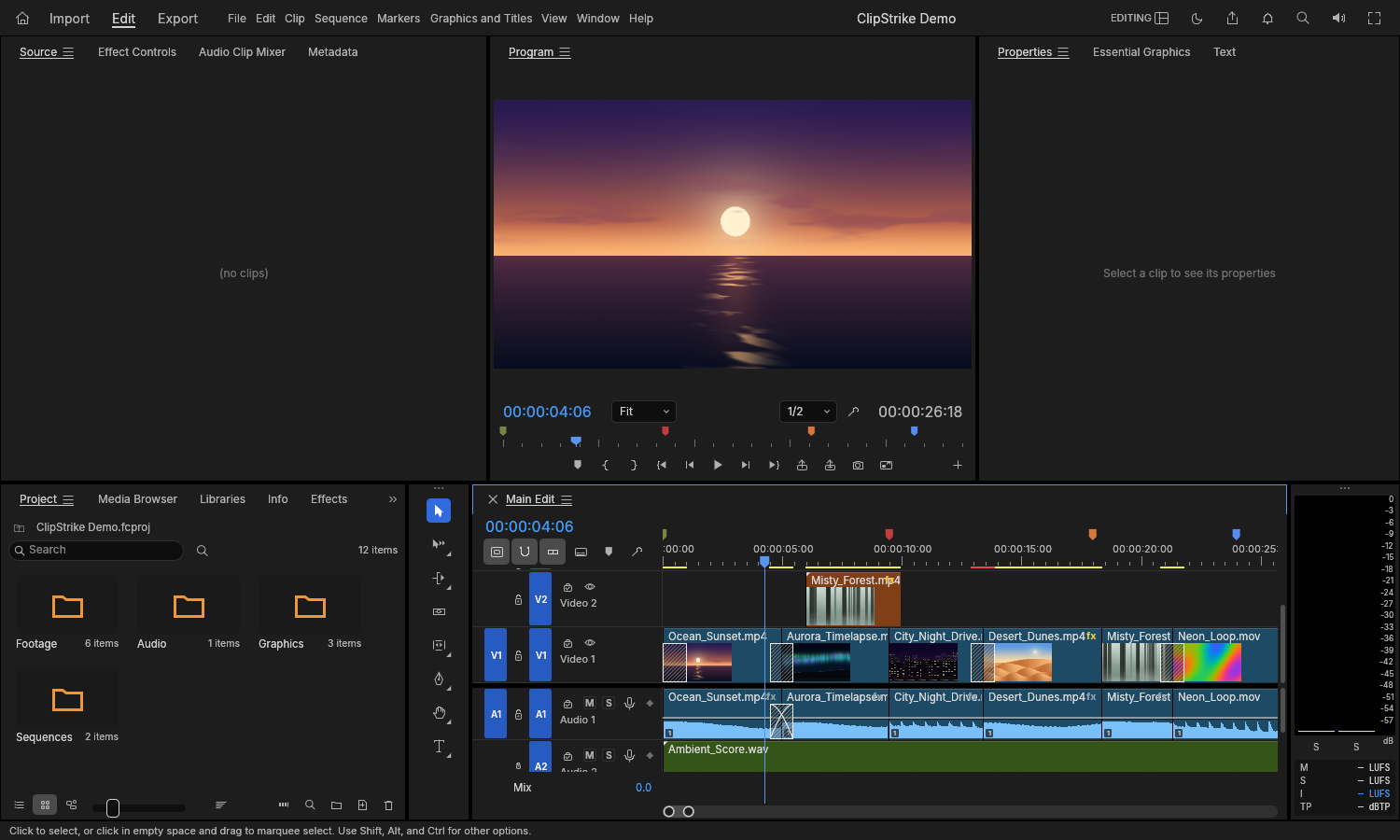
A sample editing project with source media, a preview and video/audio tracks.
View full image (opens in a new tab)ClipStrike is a Windows editor candidate available as source, without a release installer. Its demo has been opened and saved, while hands-on playback, speaker output, sound and picture sync, and accessibility still need review.

Create layered motion-graphics compositions with animated properties and frame-sequence rendering.
Explore EffectStrike
Paint cels, pose a 2D character rig, and export animated PNG frame sequences.
Explore AnimateStrike
Arrange audio tracks, work with editable sessions, and export a WAV mix.
Explore AudioStrike